On-screen AI interview prompts
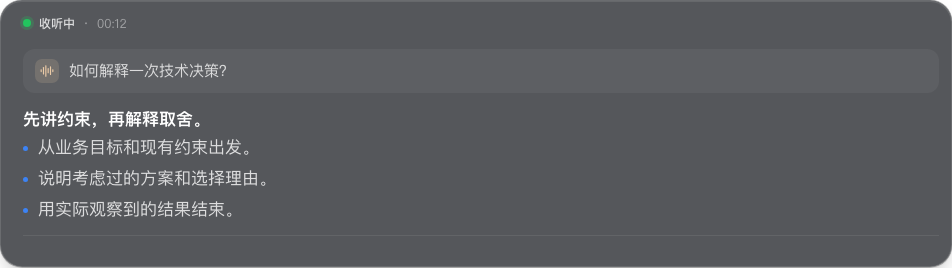
See suggestions while you practice, without switching away to a separate chat window.
Hintline uses the current question and relevant preparation context to help structure a response. Choose what fits your experience and speak in your own words.
Your interview stories, with personal context
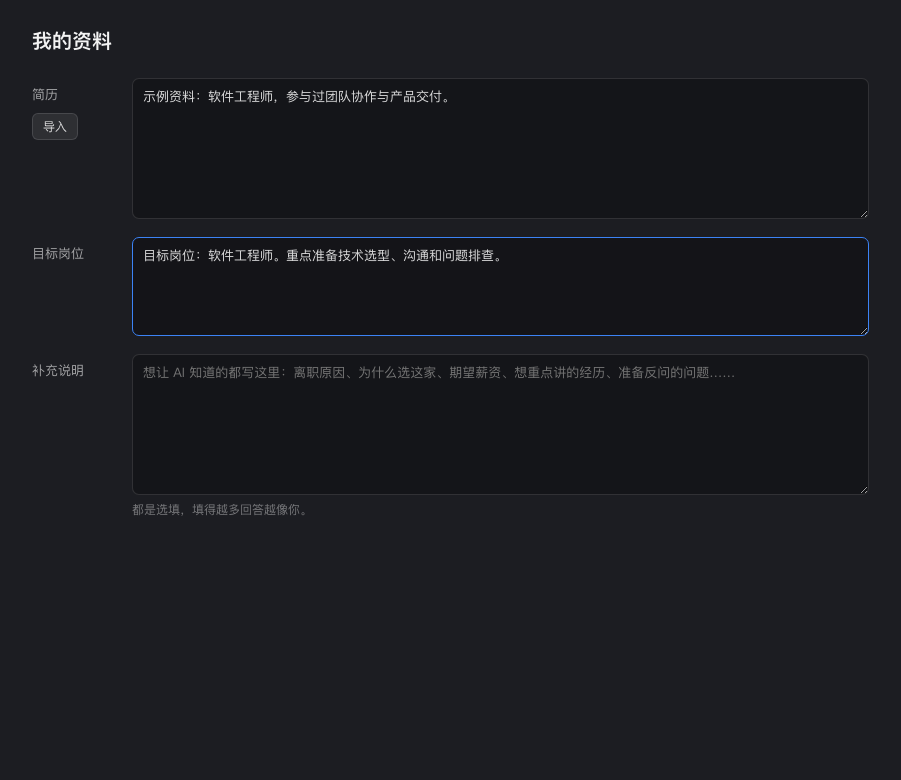
Prepare your resume, target role and notes before the conversation.
Use concrete examples of your work, decisions and results. Relevant context can inform generated suggestions; you can edit or clear preparation in the desktop app.
Desktop audio and live transcription
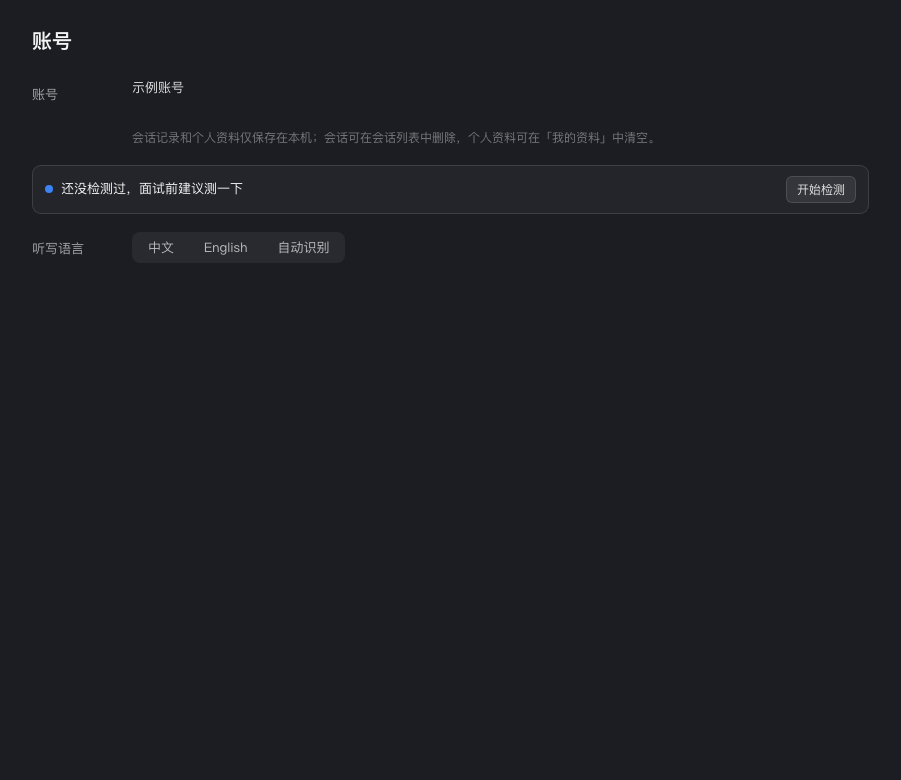
Follow the question through microphone and system-audio transcription.
Use your interview platform alongside the macOS or Windows desktop app. Check audio permissions and run a practice call first; compatibility depends on the operating system and audio setup.
Privacy: local history, clear data boundaries
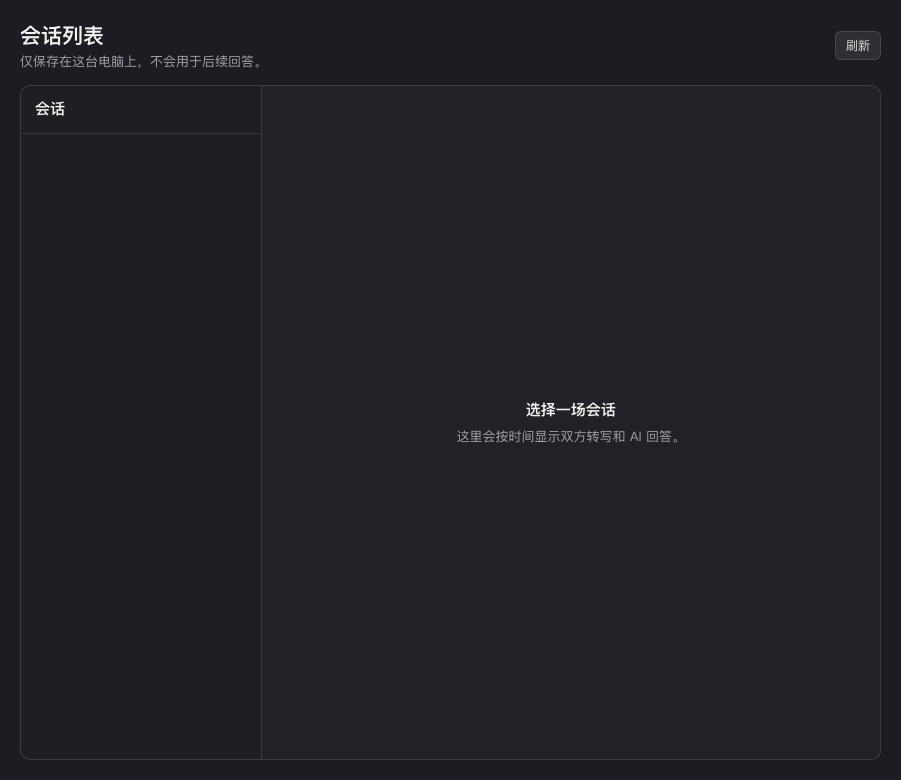
Keep preparation and conversation history on your own computer, with controls to delete them.
The website manages accounts and allowance. Audio and necessary context go directly from the desktop app to model services for processing.